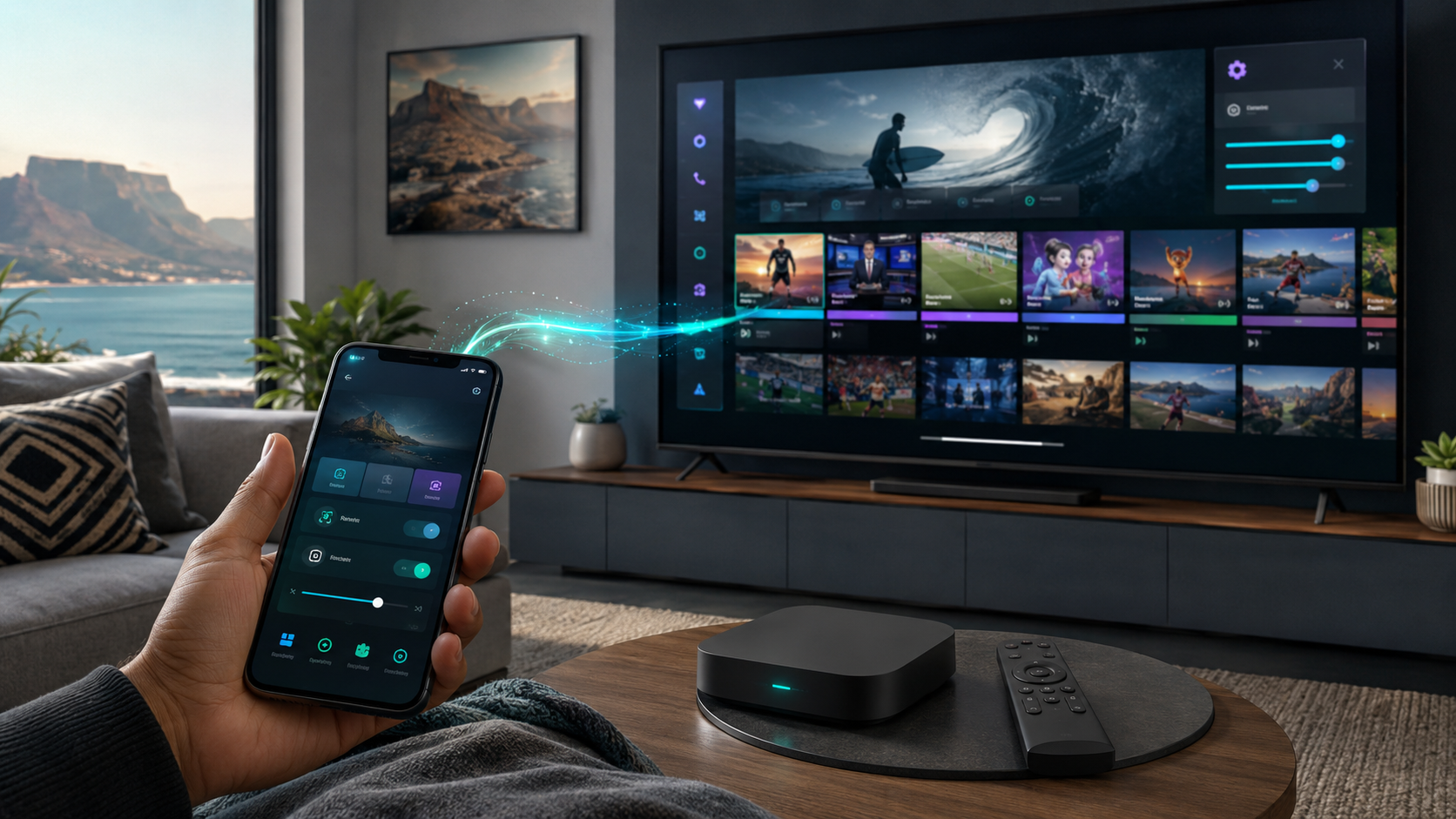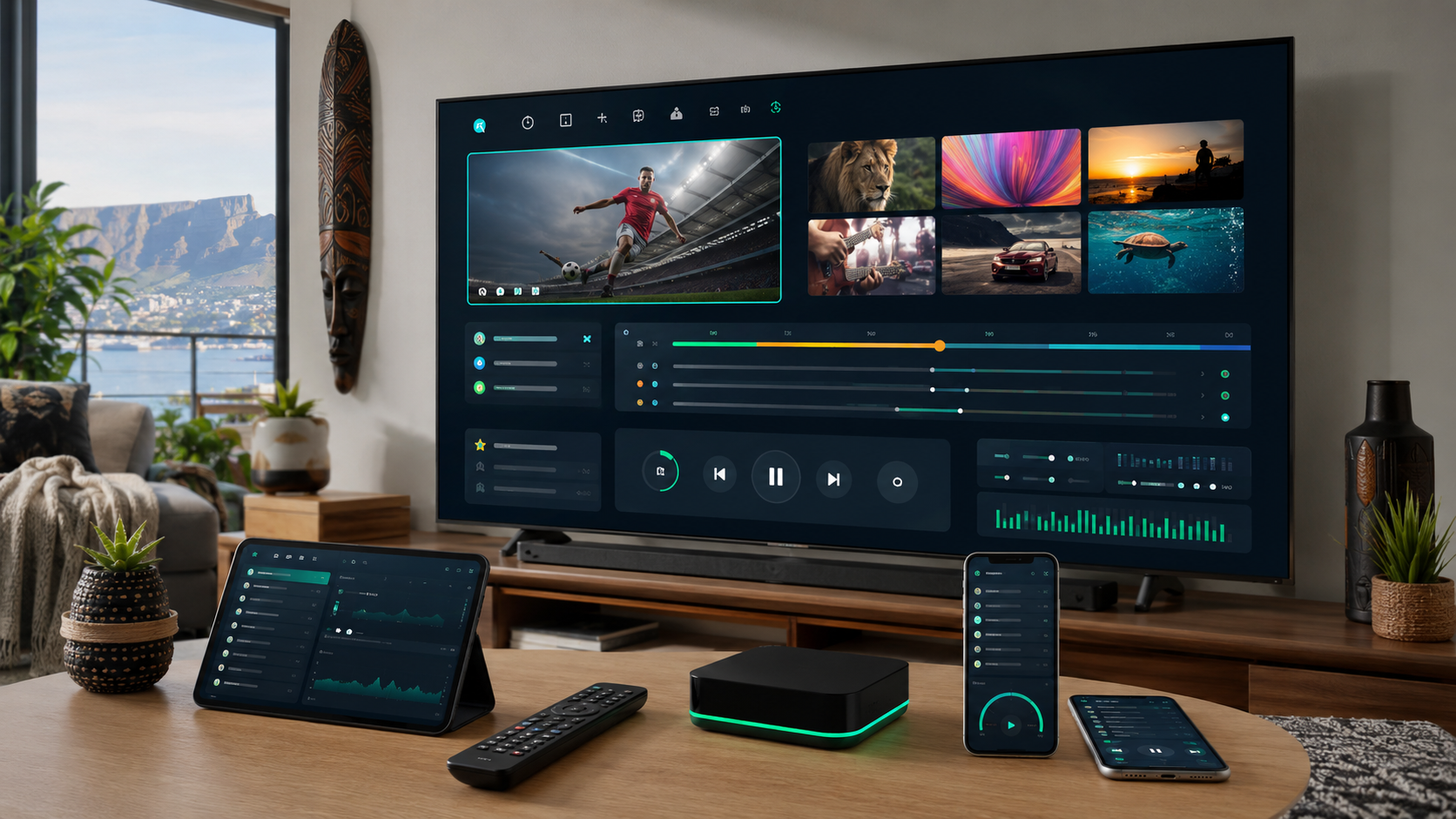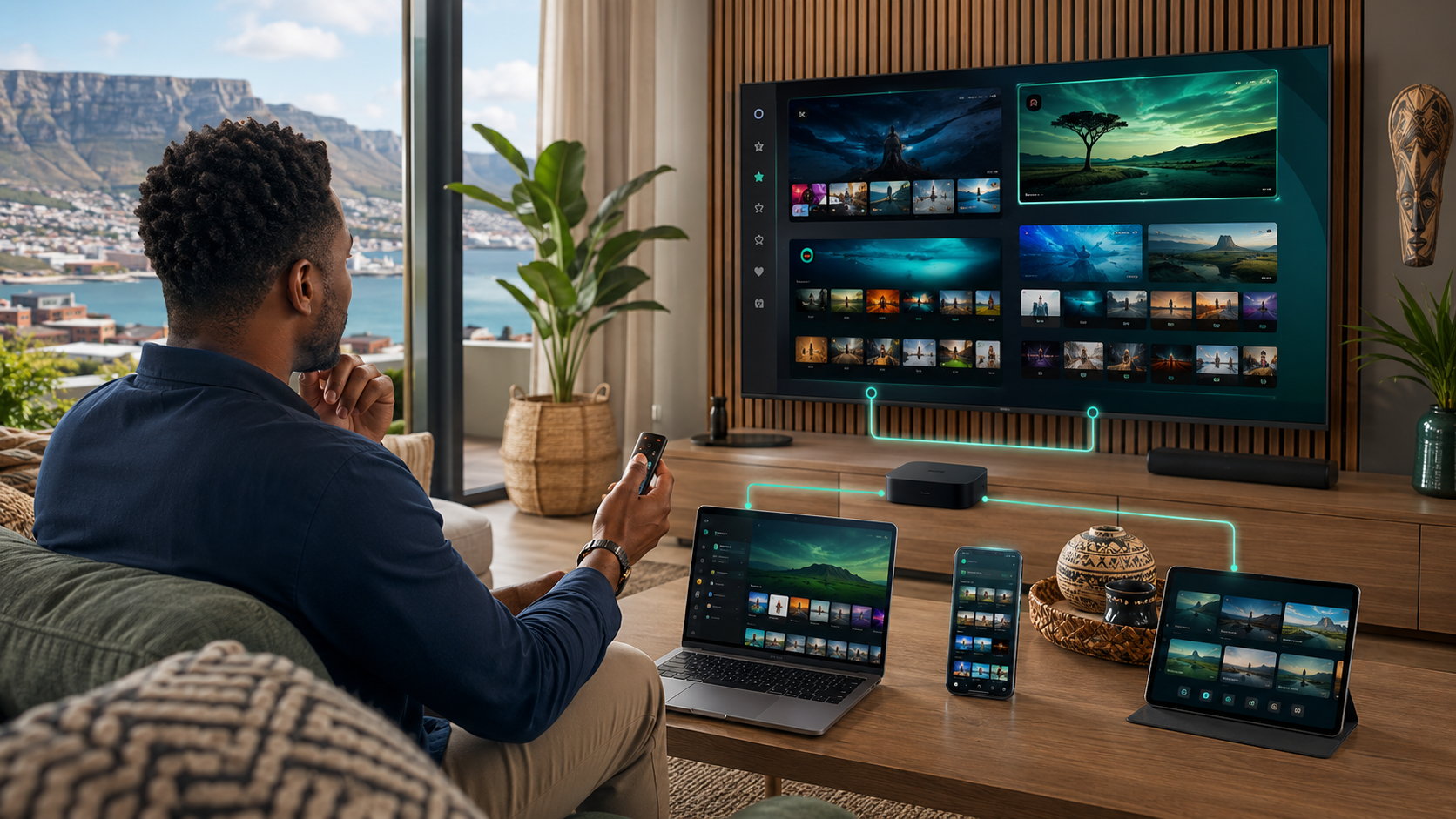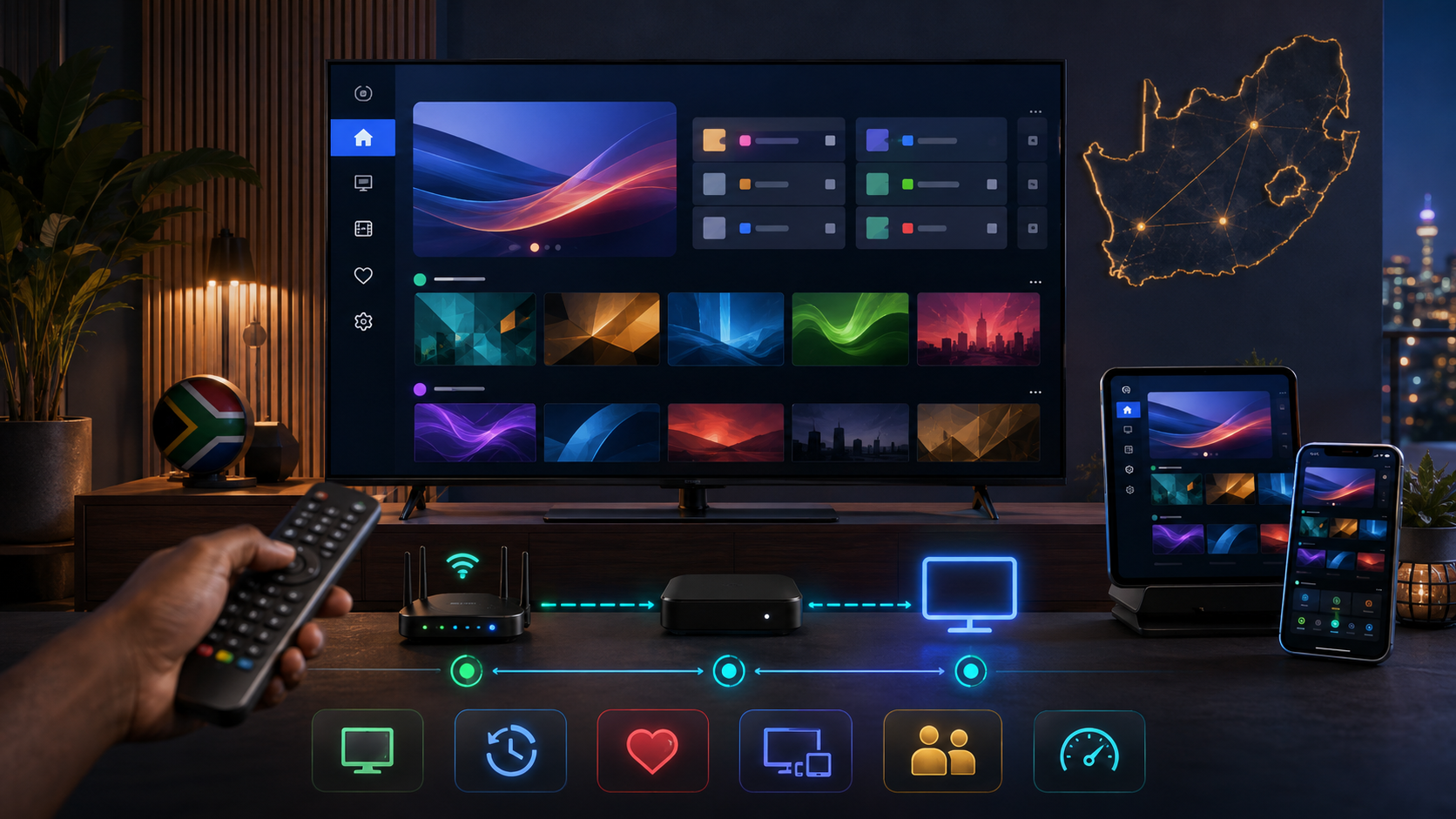
IPTV Smarters Pro is one of the most widely used IPTV player apps globally, and it's a common choice among South African subscribers thanks to its broad device compatibility and relatively straightforward interface. This guide walks through a complete setup process, an honest review of its features and limitations, and practical guidance on getting the most out of it on South African connections and devices.
Table of Contents
- What IPTV Smarters Pro actually is
- Device compatibility overview
- Step-by-step setup walkthrough
- Key features reviewed honestly
- Performance on South African connections
- Common setup problems and fixes
- IPTV Smarters Pro versus alternatives
- Is it worth using in 2026?
- Frequently asked questions
1. What IPTV Smarters Pro Actually Is
IPTV Smarters Pro is a third-party IPTV player application that connects to your subscription provider's server using either Xtream Codes API credentials or an M3U playlist URL, then presents your channels, EPG, and on-demand content through its own interface. It's the player, not the content provider — you'll still need an active IPTV subscription from a legitimate provider to use it, a distinction worth understanding clearly since a fair amount of confusion in this space stems from conflating the player app with the underlying content source.
2. Device Compatibility Overview
IPTV Smarters Pro supports Android (phones, tablets, and TV boxes), Amazon Firestick and Fire TV, Apple iOS and Apple TV, and has a Smart TV-compatible version for select models. This broad compatibility is one of its main practical advantages over more platform-restricted alternatives, making it a genuinely flexible choice for South African households running a mix of device types across different rooms.
3. Step-by-Step Setup Walkthrough
Step 1: Download IPTV Smarters Pro from your device's official app store (Google Play, Amazon Appstore, or Apple App Store) — avoid sideloading from unofficial sources where possible, since official store versions receive more consistent security updates.
Step 2: Open the app and select "Login with Xtream Codes API" if your provider issued username, password, and server URL credentials, or "Load your playlist or file URL (M3U)" if your provider issued an M3U link instead.
Step 3: Enter your provider's credentials exactly as issued, double-checking for any trailing spaces or typos, which is the most common cause of a failed first login.
Step 4: Once logged in, allow the app a few minutes to fully load your channel list and EPG data on first launch — this initial sync can take longer than subsequent app opens.
Step 5: Browse to Live TV, select a channel, and confirm playback works smoothly. If it doesn't, see the troubleshooting section below before assuming the issue is with your provider.
4. Key Features Reviewed Honestly
EPG (TV Guide): Generally functional and reasonably accurate when your provider supplies good EPG data, though guide quality ultimately depends on your provider's data feed rather than the app itself.
Catch-up and VOD: Supported where your provider offers this content, though availability varies significantly by provider rather than being a consistent feature across all subscriptions.
Multi-screen and PIP: A genuinely useful feature for browsing channels without fully leaving your current stream, present on most but not all supported platforms.
Parental controls: Available and reasonably functional, worth setting up directly if children have access to the same device.
Interface and usability: Functional but visually dated compared to some newer competitors — a reasonable trade-off for its broad compatibility and stability, but worth knowing going in if interface polish matters significantly to you.
5. Performance on South African Connections
In our testing across Vumatel and Openserve fibre, IPTV Smarters Pro performed reliably for standard and HD content, with performance ultimately more dependent on your specific provider's server infrastructure than on the app itself, consistent with the broader pattern covered in our best IPTV South Africa testing. On Firestick specifically, we noted smooth channel switching on current-generation hardware, with some lag on older, lower-specification devices during EPG-heavy browsing.
6. Common Setup Problems and Fixes
"Invalid credentials" error: Almost always a typo in your username, password, or server URL — re-enter carefully, or request fresh credentials from your provider if the issue persists.
Channels load but freeze quickly: Usually a connection or provider-side capacity issue rather than an app problem — test during off-peak hours to isolate whether it's a peak-load issue specifically.
EPG not loading: Can take several minutes on first setup; if it persists beyond that, check with your provider whether EPG data is currently being supplied correctly on their end.
App crashes on older devices: Ensure your device's operating system and the app itself are both fully updated; persistent crashes on very old hardware may indicate the device itself is underpowered for smooth IPTV playback, as covered in our device comparison guide.
7. IPTV Smarters Pro Versus Alternatives
Compared to alternatives like TiviMate or IPTV Smart Player, IPTV Smarters Pro's main advantage is its broader cross-platform compatibility, particularly its solid iOS and Apple TV support, which some competitors handle less well. Its main disadvantage is a less polished, somewhat dated interface compared to some newer competitors that have prioritised visual design more heavily.
8. Is It Worth Using in 2026?
Yes, for most South African households — IPTV Smarters Pro remains a solid, broadly compatible, and stable choice, particularly for multi-device households needing consistent cross-platform support. It's not the most visually polished option available, but its reliability and broad compatibility make it a sensible default choice, especially for less technically confident users setting up IPTV for the first time.
9. Frequently Asked Questions
Do I need a subscription to use IPTV Smarters Pro? Yes — it's a player app, not a content provider. You'll need active credentials from a legitimate IPTV subscription service to use it.
Is IPTV Smarters Pro free? The app itself is typically free or low-cost to download; your ongoing cost comes from your separate IPTV subscription.
Does IPTV Smarters Pro work on Samsung and LG Smart TVs? Support varies by specific model — check compatibility directly, and consider a dedicated Smart TV IPTV app or a Firestick as an alternative if your specific TV isn't well supported.
Why does my IPTV Smarters Pro app keep buffering? This is almost always related to your provider's server capacity or your connection during peak hours rather than the app itself — see our best IPTV South Africa testing for provider-specific reliability guidance.
Is there a difference between IPTV Smarters and IPTV Smarters Pro? Yes, they're related but distinct apps with some feature differences — Smarters Pro is generally the more actively developed and widely used version.
Having trouble getting your subscription set up in IPTV Smarters Pro? Reach out to our team and we'll help you troubleshoot directly.
Suggested image: Screenshot of the IPTV Smarters Pro interface showing the main channel guide, alt text: "iptv smarters pro setup interface south africa"
Suggested external dofollow links: Official IPTV Smarters Pro app store listing, Amazon Appstore Firestick app page
Internal sibling links: Article #1 (Best IPTV South Africa), Article #7 (IPTV Box vs Smart TV vs Firestick), Article #16 (IPTV Smarters Pro APK Guide)
10. A Closer Look at the Xtream Codes API Login Method
Most South African IPTV providers issue credentials in the Xtream Codes API format specifically, so it's worth understanding this login method in more depth given how central it is to getting IPTV Smarters Pro working correctly on first setup. Your provider will typically supply three pieces of information: a server URL (usually formatted as an address with a port number attached), a username, and a password. Enter these exactly as provided, paying particular attention to the server URL's port number, since a missing or incorrect port is one of the more common causes of a failed connection that isn't immediately obvious as a credential typo. If your provider supplies this information as a single combined line or QR code rather than three separate fields, IPTV Smarters Pro also supports a direct URL-paste method that can simplify entry and reduce the chance of a manual transcription error.
11. Understanding the M3U Playlist Login Alternative
Some providers issue an M3U playlist URL instead of Xtream Codes credentials, which IPTV Smarters Pro also supports through its "Load your playlist or file URL" option. This method is generally simpler — a single URL rather than three separate credential fields — but offers somewhat less integration with some of the app's more advanced features, like certain catch-up and VOD functionality, compared to a full Xtream Codes API connection. If your provider offers a choice between the two connection methods, and you're using IPTV Smarters Pro specifically, the Xtream Codes API method is generally the better choice for accessing the app's full feature set, provided your provider supports it.
12. Optimising IPTV Smarters Pro for South African Peak-Hour Conditions
Beyond basic setup, a few practical adjustments can meaningfully improve your experience during South African peak-hour viewing specifically. Within the app's settings, checking for a manual buffer size adjustment — increasing it slightly from the default — can help smooth out brief network fluctuations during high-demand periods like a Saturday rugby fixture, at the cost of a marginally longer initial channel-load time. Similarly, if your provider's app supports multiple quality or bitrate options per channel, manually selecting a slightly lower bitrate during known high-congestion periods can reduce buffering risk without a dramatic loss in perceived picture quality, particularly on a smaller secondary-room screen where the difference is less noticeable than on a large primary lounge display.
13. IPTV Smarters Pro on Firestick: A Detailed Setup Note
Given how commonly South African households pair IPTV Smarters Pro with a Firestick specifically, as covered in our broader device comparison guide, it's worth a dedicated note on this particular combination. The app is available directly through the Amazon Appstore on Firestick, meaning no sideloading is required for this specific app, unlike some other IPTV players that require the extra Downloader-app sideloading step. This makes IPTV Smarters Pro a particularly convenient starting choice for Firestick users new to IPTV, since the entire setup process — from device to app to provider login — can be completed without leaving the standard, officially supported app installation flow.
14. Managing Multiple Provider Connections Within the App
A genuinely useful but under-utilised feature: IPTV Smarters Pro supports adding and switching between multiple provider connections within a single app installation, without needing to fully log out and re-enter credentials each time. This is particularly useful if your household maintains a backup provider subscription for reliability purposes, or if you're in the process of trial-testing a new provider alongside an existing subscription, following the trial-testing methodology covered in our companion guide. Setting up both connections within the same app lets you switch between them with a few taps for direct, side-by-side comparison testing, rather than needing separate app installations or devices to compare two providers properly.
15. Security Considerations When Using IPTV Smarters Pro
As with any app handling login credentials, it's worth applying basic security hygiene: only download IPTV Smarters Pro from official app stores rather than unofficial APK sources where possible, since official store distribution includes at least a baseline level of security review that sideloaded APKs from unverified sources don't receive. If your device requires sideloading — relevant primarily for older Android devices without full Google Play access — source the APK specifically from the developer's own official channels rather than a third-party file-sharing site, covered in more detail in our dedicated IPTV Smarters Pro APK guide.
16. Troubleshooting Beyond the Basics
Beyond the common issues covered earlier, a few less obvious problems occasionally arise. If the app displays channels but audio and video appear out of sync, this is more commonly a device hardware decoding limitation than an app or provider issue — testing the same stream on a different, more capable device often confirms this. If the app's interface itself feels sluggish independent of stream playback, clearing the app's cache through your device's app settings menu, rather than fully reinstalling, often resolves this without requiring you to re-enter your provider credentials from scratch.
17. Final Verdict
IPTV Smarters Pro earns its position as one of the most widely used IPTV players in the South African market through genuine strengths — broad, reliable cross-platform compatibility, straightforward setup particularly on Firestick, and stable core functionality — rather than through marketing alone. Its interface won't win design awards compared to some newer competitors, but for households prioritising reliability and broad device support over visual polish, it remains a genuinely solid, sensible default choice heading into 2026. Pair it with a properly vetted provider, following the framework covered throughout our broader guides, and you'll have a stable, dependable foundation for your household's IPTV viewing.
18. Comparing Free Versus Paid Versions
Some IPTV Smarters Pro distributions or related versions offer a free tier with limitations alongside a paid unlock for additional features — worth checking the specific version available on your platform's app store, since offerings can vary. Generally, the core functionality needed for standard IPTV viewing — live channel playback, EPG, basic catch-up support — is available without requiring a separate in-app purchase, with any paid upgrade typically unlocking cosmetic customisation or advanced convenience features rather than core functionality. For most South African households, the free core functionality is entirely sufficient, and we wouldn't recommend paying for additional app features until you've confirmed the free tier genuinely doesn't meet your household's needs after a reasonable period of actual use.
19. Understanding EPG Data Quality Within the App
It's worth reiterating a point that catches out many first-time IPTV Smarters Pro users: EPG (programme guide) accuracy is determined by your provider's data feed, not by the app itself. Two different subscribers using the identical app but different providers can have a meaningfully different EPG experience purely based on how well each provider maintains their programme data. If your EPG seems consistently inaccurate or slow to update, the fix typically lies with contacting your provider directly about their EPG data quality, rather than troubleshooting the app's settings, reinstalling, or assuming a technical problem with IPTV Smarters Pro specifically.
20. Setting Up Parental Controls Properly
For households with children accessing the same device, IPTV Smarters Pro's parental control feature deserves a dedicated setup pass rather than being left at default settings. Within the app's settings menu, you can typically set a PIN requirement for specific channel categories or the app's settings menu itself, preventing unsupervised access to adult content categories or accidental changes to your provider login credentials. This is worth setting up immediately after your initial provider login, rather than treating it as an optional extra step to configure later, particularly in households where children have independent access to the streaming device.
21. Backup and Restore Considerations
If you're setting up IPTV Smarters Pro across multiple devices in your household, or anticipate needing to reinstall the app at some point (a device reset, a new Firestick purchase, an app update issue), it's worth keeping your provider's login credentials — server URL, username, and password — recorded somewhere accessible outside the app itself, such as in a password manager or a simple note. The app itself doesn't typically offer a robust backup-and-restore function for your specific configuration, meaning a full reinstall generally requires re-entering your provider credentials from scratch. This is a minor inconvenience worth planning around proactively rather than discovering during an unexpected troubleshooting situation when quick access to your credentials matters most.
22. How IPTV Smarters Pro Handles Multiple Concurrent Streams
For households wanting to understand how concurrent-stream limits interact with the app specifically: IPTV Smarters Pro itself doesn't impose its own concurrent-stream restriction — this limit comes entirely from your provider's subscription terms, as covered in our broader provider vetting guide. You can install and log into the same provider account on multiple devices running IPTV Smarters Pro, but simultaneous playback beyond your subscription's allowed concurrent-stream count will typically result in one stream being interrupted or refused by your provider's server, not by the app itself. Understanding this distinction helps when troubleshooting multi-device playback issues — the app is rarely the source of a concurrent-stream limitation, even though it might initially appear that way when a second device suddenly can't connect.
23. A Note on App Updates and Version Stability
Like any actively maintained app, IPTV Smarters Pro receives periodic updates through official app stores, generally improving stability and occasionally adding new features. We'd recommend keeping the app updated through your device's standard app store update mechanism rather than deliberately avoiding updates, since update lag can occasionally cause compatibility friction with certain provider server configurations over time. If a specific update does introduce a new issue — which occasionally happens with any actively developed app — checking IPTV Smarters Pro's official support channels or community forums for known issues related to a specific recent update is a more efficient troubleshooting starting point than assuming the problem lies with your provider or device.
24. Comparing the Real-World Experience Across Device Types
Having tested IPTV Smarters Pro across Firestick, Android box, and iOS specifically, it's worth sharing a few practical observations for South African users choosing between platforms. On Firestick, setup and day-to-day use felt the smoothest of the platforms tested, benefiting from straightforward official app store distribution and generally responsive remote navigation. On a mid-range Android box, performance was comparable but slightly more variable depending on the specific box's hardware quality, consistent with the broader device-quality variance covered in our device comparison guide. On iOS specifically, the app's interface felt marginally less polished than its Android counterpart, though core functionality remained solid and reliable throughout testing — a reasonable trade-off for households specifically needing iOS or Apple TV compatibility, where IPTV Smarters Pro remains one of the stronger options available.
25. Final Recommendation
For South African households evaluating IPTV player apps, IPTV Smarters Pro deserves serious consideration as a default starting choice, particularly for multi-device households needing broad cross-platform compatibility, or for less technically confident users prioritising straightforward setup over interface polish. Combine it with a properly vetted provider — following the full framework covered throughout our complete IPTV South Africa guide — and set up parental controls and buffer settings appropriately for your household's specific needs, and you'll have a genuinely solid, dependable foundation for consistent IPTV viewing across your entire South African household.
If you run into a specific setup issue not covered in this guide, our team is happy to help you troubleshoot directly — reach out through our contact page with the details of your device and provider setup.
26. A Quick Reference Setup Table
| Step | What to do | Common mistake to avoid |
|---|---|---|
| Download | Install from official app store for your device | Sideloading from unofficial sources unnecessarily |
| Login method | Choose Xtream Codes API or M3U based on your provider's credentials | Mixing up which fields go where |
| First sync | Allow a few minutes for channels and EPG to fully load | Assuming setup failed too quickly |
| Buffer settings | Increase slightly for peak-hour stability if needed | Leaving default settings during known high-congestion periods |
| Parental controls | Set up immediately after login if children have device access | Leaving this until "later" |
| Credential backup | Save your login details outside the app | Losing access after a reinstall |
27. Why We Recommend Testing Before Committing to Any Specific App
It's worth closing this review with a broader point that applies beyond IPTV Smarters Pro specifically: whichever IPTV player app you ultimately choose, test it directly with your specific provider and device combination during your subscription's trial period, following the structured testing process covered in our trial testing guide, rather than choosing an app based purely on reviews like this one. App performance can vary meaningfully depending on the specific interaction between a given app, your specific provider's server configuration, and your specific device's hardware — meaning even a generally well-regarded app like IPTV Smarters Pro is worth confirming directly for your own setup rather than assuming a positive general reputation guarantees a smooth experience in every specific combination.
28. Closing Thoughts
IPTV Smarters Pro has earned its widespread adoption in the South African IPTV market through genuine reliability and broad compatibility rather than flashy marketing, making it a sensible default recommendation for most households setting up IPTV for the first time or looking for a dependable, well-tested player app. Follow the setup walkthrough covered in this guide, apply the peak-hour optimisation tips for South African conditions specifically, and pair it with a properly vetted provider, and you'll have a stable, reliable foundation for your household's IPTV viewing that should serve you well through a full year of regular use, from quiet weekday evenings to the biggest sporting occasions on your household's calendar.
29. One Final Practical Note
If you're setting up IPTV Smarters Pro for the first time and find yourself stuck at any point in the process, resist the temptation to immediately assume something has gone fundamentally wrong with either the app or your subscription. The vast majority of first-time setup issues trace back to a small, fixable detail — a mistyped credential, a slow initial EPG sync mistaken for a failure, an outdated app version, or a temporarily congested connection during a peak-hour test. Work through the troubleshooting steps covered throughout this guide methodically before concluding that either your chosen app or your provider is fundamentally unsuitable, since a surprising number of apparent "provider problems" in this space turn out to be simple, easily corrected setup details once properly diagnosed.
Patience during initial setup, combined with the specific troubleshooting steps covered throughout this guide, resolves the overwhelming majority of first-time IPTV Smarters Pro issues without needing to contact support or switch to a different app entirely.
Give it the fair, methodical setup attempt this guide has walked through, and in most cases you'll be watching smoothly within minutes rather than fighting with troubleshooting for hours.
That's the experience the vast majority of South African households actually have with this app once setup is complete — smooth, dependable, and quickly forgotten about in the best possible way, simply working every time you turn on the TV.
Follow this guide, be patient through the first setup, and you'll join the large majority of South African IPTV Smarters Pro users who simply don't think about the app at all once it's running smoothly.
30. Wrapping Up
We've covered a lot of ground in this guide — from basic setup through advanced troubleshooting, security considerations, and device-specific performance notes — because IPTV Smarters Pro genuinely deserves that level of detail given how widely South African households rely on it as their primary IPTV player. If you've followed the setup walkthrough, applied the peak-hour optimisation tips, and configured parental controls appropriately for your household, you should now have a fully functional, stable IPTV setup ready for regular use. Keep this guide bookmarked as a reference for any future troubleshooting needs, and don't hesitate to reach out if a specific issue arises that isn't fully addressed here.