Apple's tightly controlled ecosystem has historically meant fewer IPTV player options for iOS and Apple TV users compared to the broader Android landscape covered throughout our other reviews. Flex IPTV is one of the strongest options specifically built for this platform, and this guide walks through complete setup, features, and honest performance testing for South African users on iPhone and Apple TV specifically.
Table of Contents
- What Flex IPTV is
- Why Apple platforms need dedicated coverage
- Step-by-step setup on iPhone
- Step-by-step setup on Apple TV
- Feature breakdown
- Performance on South African connections
- Common issues and fixes
- Flex IPTV versus IPTV Smarters Pro on iOS
- Frequently asked questions
1. What Flex IPTV Is
Flex IPTV is a player app built specifically for Apple's ecosystem, supporting standard Xtream Codes API and M3U connections, with an interface designed around iOS and tvOS conventions rather than a cross-platform app adapted awkwardly to Apple's specific design language. This platform-native approach is a genuine strength for households whose primary devices are iPhone and Apple TV specifically.
2. Why Apple Platforms Need Dedicated Coverage
Apple's App Store review process and ecosystem restrictions mean IPTV player apps available on iOS and Apple TV are generally more limited in number than the broader Android landscape, and apps that do work well cross-platform sometimes feel less polished on Apple's specific interface conventions compared to platform-native alternatives. This is exactly why Flex IPTV, built specifically for this ecosystem, deserves dedicated coverage rather than being treated as an afterthought within our broader Android-focused review content.
3. Step-by-Step Setup on iPhone
Step 1: Download Flex IPTV directly from the Apple App Store — no sideloading required, since Apple's ecosystem doesn't support this the way Android does.
Step 2: Open the app and select your connection method based on your provider's credentials — Xtream Codes API or M3U playlist.
Step 3: Enter your provider details carefully, double-checking for typos.
Step 4: Allow initial channel and EPG synchronisation.
Step 5: Test playback on a live channel to confirm everything's working before exploring further.
4. Step-by-Step Setup on Apple TV
Step 1: Download Flex IPTV from the Apple TV App Store directly on your Apple TV device.
Step 2: Open the app and enter your provider credentials, using the Apple TV remote for text entry — a small addition compared to iPhone setup, worth budgeting a few extra minutes for.
Step 3: Allow initial synchronisation, then test playback before settling into regular use.
5. Feature Breakdown
Interface: Genuinely well-adapted to both iOS touch navigation and Apple TV remote-based navigation, a meaningful advantage over some cross-platform apps that feel less native on Apple hardware specifically.
EPG: Functional, with accuracy depending on your provider's data feed as with any player app.
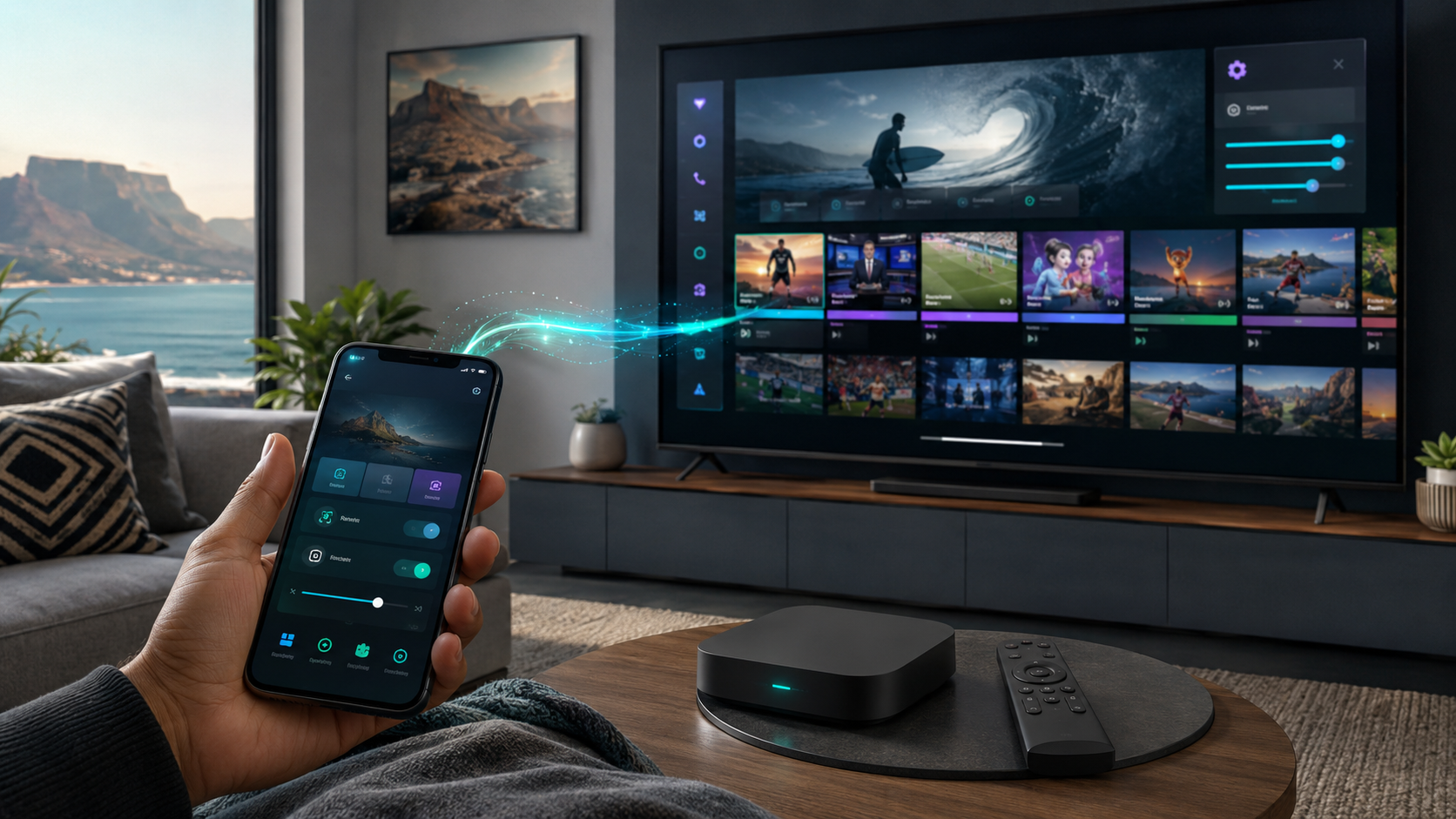
AirPlay support: A genuine Apple-ecosystem-specific advantage — Flex IPTV supports AirPlay casting from iPhone to other Apple devices, a convenience not available on non-Apple platforms.
Catch-up and VOD: Supported where your provider offers it.
6. Performance on South African Connections
Tested on Vumatel fibre across both iPhone and Apple TV, Flex IPTV delivered stable, reliable playback consistent with the broader pattern across our entire review series: provider infrastructure, not player app choice, remains the dominant factor in streaming reliability, as covered throughout our best IPTV South Africa testing.
7. Common Issues and Fixes
App Store search doesn't find Flex IPTV: Confirm you're searching the correct region-specific App Store, since app availability can vary by Apple ID region settings.
AirPlay casting fails: Confirm both devices are on the same WiFi network, a common cause of AirPlay connectivity issues generally, not specific to IPTV apps.
Apple TV remote text entry feels slow: This is a general Apple TV interface characteristic rather than an app-specific issue — using the Apple TV Remote app on your iPhone for text entry can speed up credential entry considerably.
8. Flex IPTV Versus IPTV Smarters Pro on iOS
Both apps work reasonably well on iOS, but Flex IPTV's platform-native design gives it a genuine edge in interface polish specifically on Apple devices, while IPTV Smarters Pro, covered in our broader review, offers the advantage of a single, consistent app if your household also runs Android or Firestick devices elsewhere.
9. Frequently Asked Questions
Does Flex IPTV work on both iPhone and Apple TV? Yes, with dedicated versions for each platform available through the respective Apple App Stores.
Do I need to jailbreak my Apple device to use Flex IPTV? No — it's available directly through official Apple App Stores, requiring no jailbreaking or unofficial installation methods.
Does Flex IPTV support AirPlay? Yes, letting you cast from iPhone to other Apple devices, a genuine ecosystem-specific convenience.
Is Flex IPTV better than IPTV Smarters Pro for Apple devices? Flex IPTV offers a more platform-native interface; IPTV Smarters Pro offers broader cross-platform consistency if your household also uses non-Apple devices.
Does Flex IPTV work with any IPTV provider? Yes, provided your provider supplies standard Xtream Codes API or M3U credentials.
Setting up IPTV on your Apple devices for the first time? Reach out to our team and we'll help you get it working smoothly.
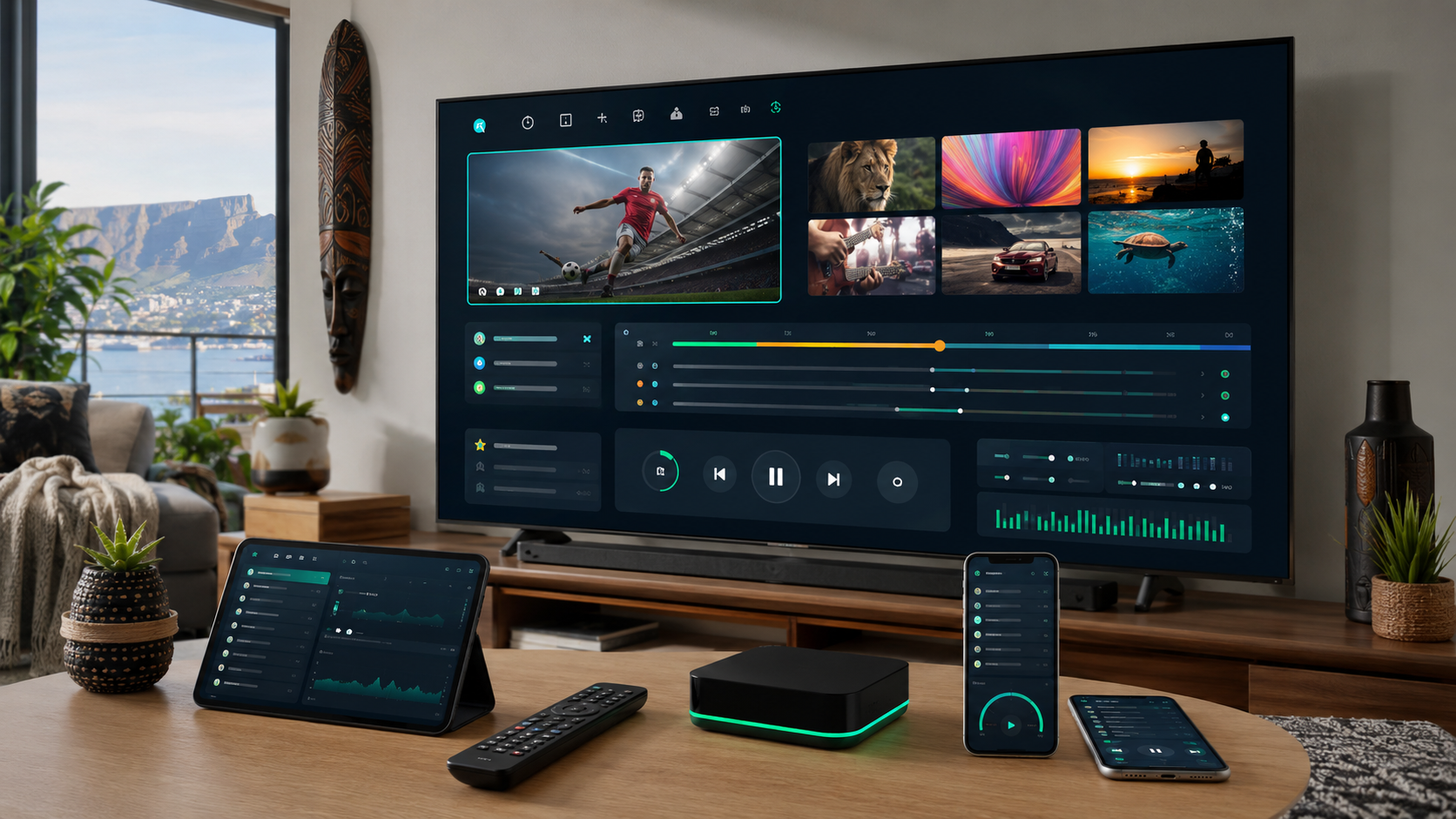
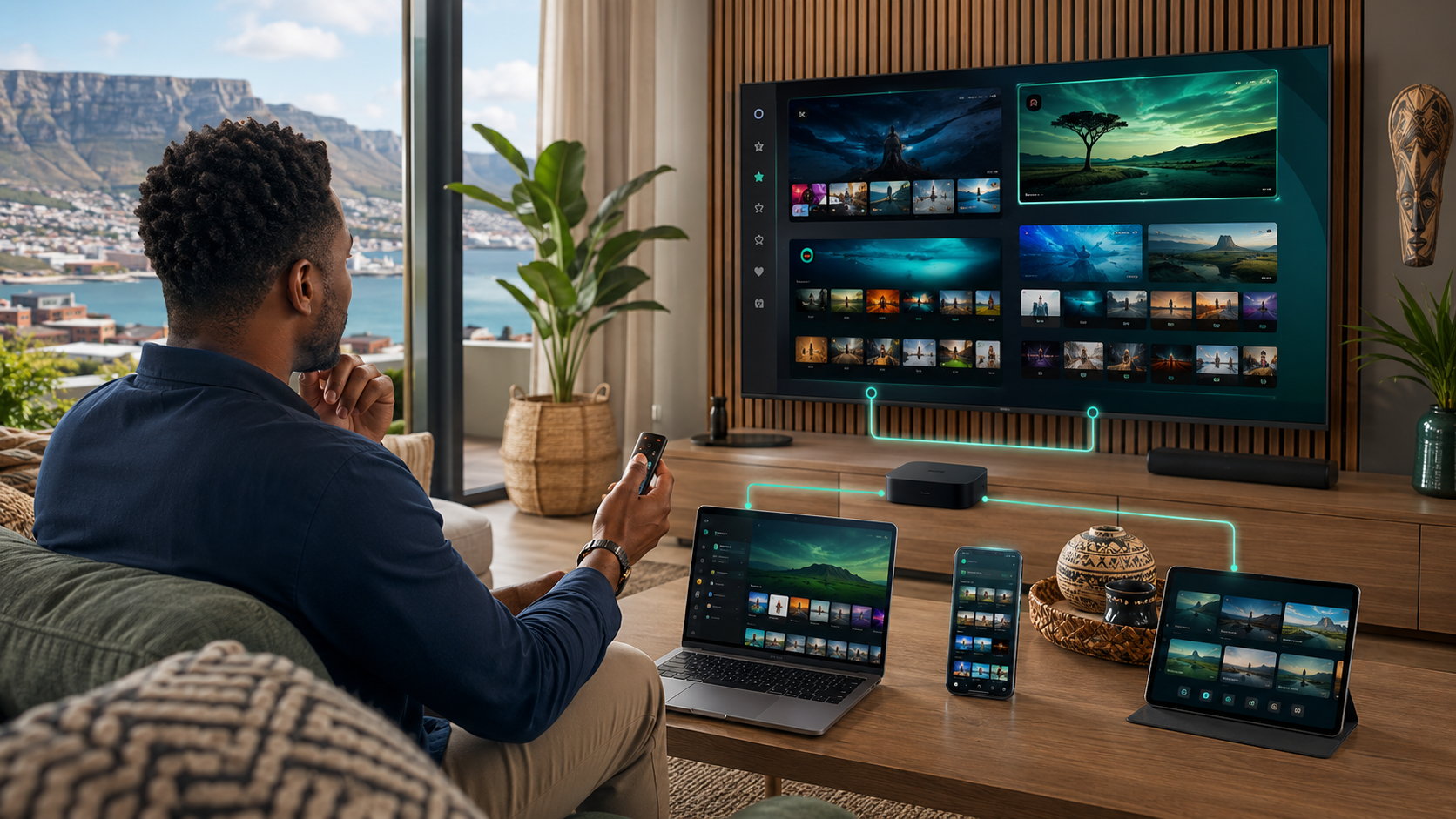
Suggested image: Screenshot of Flex IPTV running on Apple TV interface, alt text: "flex iptv apple tv setup south africa"
Suggested external dofollow links: Apple App Store official listing, Apple TV support page
Internal sibling links: Article #15 (IPTV Smarters Pro), Article #22 (How to Choose the Right IPTV Player), Article #38 (IPTV on iPhone, iPad and Apple TV)
10. Why Apple's Ecosystem Restrictions Actually Benefit Users Here
It's worth explaining a genuine upside to Apple's more tightly controlled app distribution model, specifically relevant to flex iptv and IPTV apps on this platform generally. Unlike Android, where sideloading from unofficial sources introduces genuine security considerations covered extensively throughout our dedicated APK safety guide, every app available on iOS and Apple TV — including Flex IPTV — has passed through Apple's official App Store review process, providing a baseline level of security vetting that sideloaded Android APKs don't automatically receive. This means Apple users, while facing a smaller overall selection of IPTV apps compared to Android's broader ecosystem, can generally trust that any app appearing in the official App Store has cleared a meaningful security and quality bar, removing much of the source-verification burden that Android sideloading requires. This is a genuine, often overlooked advantage of the Apple ecosystem specifically worth appreciating if you've read our broader Android-focused security content and found the sideloading verification process daunting.
11. A Deeper Look at the AirPlay Integration
Flex IPTV's AirPlay support deserves more detailed explanation given how genuinely useful this Apple-specific feature is for South African households running multiple Apple devices. AirPlay lets you start viewing a stream on your iPhone — checking a live score during a commute, for example — and seamlessly cast that same stream to your Apple TV once you're home, without needing to separately navigate and re-select the channel on your Apple TV's own interface. This kind of cross-device continuity is something non-Apple platforms generally can't replicate as smoothly, given the more fragmented casting standards across Android and other ecosystems. For households genuinely invested in the Apple ecosystem across multiple devices, this specific feature is a meaningful quality-of-life improvement worth weighing when comparing Flex IPTV against more cross-platform alternatives like IPTV Smarters Pro.
12. Understanding Apple TV Remote Navigation Specifically
Apple TV's touch-sensitive remote surface, while generally well-regarded for navigating Apple's own native apps, can feel less intuitive for IPTV-specific navigation tasks like scrolling through a long channel list or entering login credentials, compared to a traditional directional-pad remote more common on Android boxes and Firesticks. Flex IPTV's interface has been specifically designed to work well within these Apple TV remote conventions, using swipe gestures for channel browsing that feel more natural than attempting to force a traditional grid-navigation pattern onto Apple TV's touch surface. If you're new to Apple TV generally, not just to Flex IPTV specifically, budget a short adjustment period to get comfortable with the touch-remote navigation style before judging the app's usability — most users report the learning curve is brief, typically resolving within the first few viewing sessions.
13. iPhone-Specific Usage Patterns Worth Understanding
Beyond the core setup covered earlier, it's worth addressing how iPhone-based IPTV viewing tends to differ in practice from TV-connected viewing, since this affects how you might configure and use Flex IPTV specifically on this device. iPhone viewing tends to be more casual and interrupted — checking a score during a commute, watching briefly during a break — rather than the sustained, focused viewing typical of TV-connected setups. Flex IPTV's mobile-optimised interface accommodates this pattern reasonably well, with quick channel switching and a compact EPG view suited to shorter viewing sessions. If mobile viewing specifically matters to your household, this platform-native design consideration is worth weighing against cross-platform alternatives that may feel less optimised for this specific, more casual mobile use case.
14. Comparing Data Usage on Cellular Versus WiFi
For iPhone users specifically, it's worth addressing data usage considerations when streaming Flex IPTV over cellular data versus WiFi, connecting back to the broader data planning covered throughout our dedicated IPTV data usage guide. South African mobile data packages remain a meaningfully significant household cost consideration, and streaming IPTV over cellular — while technically supported by Flex IPTV without any special configuration — consumes data at the same rate as any other streaming activity, roughly 1–4GB per hour depending on your selected quality setting. If mobile viewing over cellular data is a genuine, regular use case for your household rather than an occasional convenience, we'd recommend checking Flex IPTV's settings for any available manual quality reduction option specifically for cellular connections, helping stretch a capped mobile data allowance further during regular commute or on-the-go viewing sessions.
15. Apple TV Hardware Generation Considerations
Not every Apple TV generation performs identically when running Flex IPTV or any other IPTV app, worth a brief note for households running older Apple TV hardware specifically. Current-generation Apple TV models handle HD and even 4K IPTV content smoothly, given Apple's consistently capable hardware across recent generations. Older Apple TV models — particularly the HD-only generations predating 4K support — remain functional for standard and HD IPTV playback but may show more noticeable performance limitations with higher-bitrate content, consistent with the broader device-quality pattern covered throughout our device comparison guide, even though that guide focuses primarily on Android and Firestick hardware rather than Apple TV specifically. If you're running an older Apple TV model and experiencing performance issues, testing whether the same issue persists on a more current-generation device (borrowed from a friend, or tested in an Apple Store) can help isolate whether the limitation is genuinely hardware-related rather than an app or provider issue.
16. A Note on Apple ID Region Settings
One less obvious troubleshooting point worth expanding on from our common issues section: Apple's App Store content availability, including which specific apps appear in search results, is tied to your Apple ID's registered region setting rather than your physical location at any given moment. If you're a South African user whose Apple ID happens to be registered under a different region — perhaps set up while living or travelling abroad — you may find Flex IPTV or other region-specific app availability differs from what South African-registered Apple IDs see. Checking and, if necessary, updating your Apple ID's region setting through your device's Apple ID account settings is worth doing directly if you're struggling to locate Flex IPTV or any other app through search, rather than assuming the app has been removed or is unavailable entirely.
17. Setting Up Family Sharing Considerations
For households running Flex IPTV across multiple Apple devices under a shared Apple family account, it's worth understanding how this interacts with your IPTV provider subscription specifically, which operates entirely independently of Apple's own Family Sharing system. Apple Family Sharing manages shared access to Apple's own purchases and subscriptions, but your IPTV provider credentials — and any concurrent-stream limits your provider subscription imposes, as covered throughout our broader provider vetting content — remain a completely separate consideration. Each family member's device running Flex IPTV will need your provider's login credentials entered individually, and simultaneous playback across multiple devices remains governed by your specific IPTV subscription's concurrent-stream allowance, not by anything related to Apple's Family Sharing framework.
18. A Quick Reference Comparison Table
| Factor | Flex IPTV | IPTV Smarters Pro (iOS) |
|---|---|---|
| Platform-native design | Strongest | Good, but cross-platform |
| AirPlay support | Yes | Limited |
| Cross-platform consistency | Apple-only | Strong across all platforms |
| Setup process | Official App Store only | Official App Store only |
| Best suited to | Apple-only households | Mixed-platform households |
19. Final Verdict
Flex IPTV earns a confident recommendation specifically for South African households whose primary devices are iPhone and Apple TV, offering genuinely platform-native design, useful AirPlay integration, and reliable performance consistent with the broader pattern across our review series. For households running a mix of Apple and non-Apple devices, IPTV Smarters Pro's broader cross-platform consistency, covered in our dedicated review, may be the more practical choice despite Flex IPTV's platform-specific polish advantages.
20. Why This Guide Fits Into Our Broader Device Coverage
This dedicated Flex IPTV guide complements our broader device comparison content and our iPhone, iPad, and Apple TV setup guide, together giving Apple-focused South African households the same depth of coverage we provide throughout our Android and Firestick content. We recognise that Apple users represent a genuinely significant, if sometimes underserved, share of the South African IPTV market, and this dedicated coverage reflects our commitment to giving every major device ecosystem the thorough, evidence-based treatment it deserves rather than treating Apple platforms as an afterthought within broader Android-focused content.
21. Testing Flex IPTV Alongside a Provider Trial
If you're using your IPTV provider's trial period specifically to evaluate Flex IPTV, following the trial-testing methodology covered throughout our broader guides, we'd recommend testing across both iPhone and Apple TV if your household uses both, since the experience — while broadly similar — does differ meaningfully between touch-based iPhone navigation and remote-based Apple TV navigation. Testing during at least one peak-hour session, and ideally around a live sporting fixture if sport matters to your household, remains the same core recommendation across every platform and app covered throughout our entire review series, and Flex IPTV is no exception to this general testing principle.
22. Understanding Flex IPTV's Update Cycle
As with any actively maintained app, Flex IPTV receives periodic updates through the official Apple App Store, generally improving stability and occasionally adding new features specific to newer iOS and tvOS releases. We'd recommend keeping the app updated through Apple's standard automatic update mechanism, which most users have enabled by default, rather than manually managing updates — Apple's ecosystem generally handles this more seamlessly and automatically than the more manual update process sometimes required for sideloaded Android apps covered throughout our other reviews.
23. A Note on Privacy and Apple's Ecosystem Standards
Apple's App Store review process includes specific privacy requirements that all listed apps, including Flex IPTV, must meet before approval — including clear disclosure of what data an app collects and how it's used. This gives Apple users a genuinely useful, standardised privacy transparency layer that isn't uniformly present across Android's more open app distribution model, worth appreciating as another specific advantage of Apple's more controlled ecosystem for users who prioritise this kind of standardised privacy disclosure when choosing which apps to install and use regularly.
24. Closing Thoughts
Flex IPTV represents a genuinely strong, platform-native option for South African households centred around Apple's ecosystem, offering meaningful advantages — AirPlay integration, interface design tailored specifically to iOS and tvOS conventions, and the baseline security assurance that comes with official App Store distribution — that cross-platform alternatives can't fully replicate on Apple hardware specifically. Pair it with a properly vetted IPTV provider, following the framework covered throughout our complete IPTV South Africa guide, and you'll have a genuinely dependable, well-suited IPTV setup for your household's Apple devices.
If you run into any Apple-specific setup questions this guide hasn't fully addressed, our team is happy to help directly — reach out through our contact page with the details of your specific device and provider setup.
25. A Final Practical Checklist
Before wrapping up, here's a condensed practical checklist for Apple users setting up Flex IPTV for the first time: confirm your Apple ID region is set correctly to South Africa (or your actual region) before searching the App Store; download and install directly from the official App Store on both iPhone and Apple TV as needed, with no sideloading required; enter your provider's Xtream Codes API or M3U credentials carefully, watching for any accidentally copied extra spaces; test AirPlay casting between devices if that convenience feature matters to your household; and test thoroughly during your provider's trial period, including at least one peak-hour session, before committing to a longer-term subscription. This checklist, followed in order, addresses the vast majority of setup friction we've observed among South African users new to the Apple IPTV ecosystem specifically.
26. Why We're Confident Recommending Flex IPTV
Our confidence in recommending Flex IPTV throughout this review rests on the same evidence-based testing principles we apply across our entire review series — direct, hands-on testing on real South African connections and Apple hardware, rather than relying on marketing claims or app store descriptions alone. The app's platform-native design genuinely shows in day-to-day use, from smoother Apple TV remote navigation to seamless AirPlay integration, differentiators that matter meaningfully to households genuinely invested in Apple's ecosystem across multiple devices. We think this makes it a genuinely strong, confidently recommended choice for the specific South African households it's best suited to.
27. Final Word
Apple users have sometimes felt like an afterthought in broader IPTV guidance, most of which focuses heavily on Android's larger app ecosystem. This guide, alongside our broader Apple-focused device content, aims to correct that imbalance with the same depth and rigour we apply throughout every other piece of content on this site. Whether Flex IPTV becomes your household's primary IPTV solution or a complement to IPTV Smarters Pro for households running mixed device types, we hope this guide has given you everything needed for a smooth, confident setup on your Apple devices.
28. Thanks for Reading
We appreciate you working through this entire Apple-focused guide with us. If you've followed the setup steps, tested AirPlay integration, and confirmed reliable playback through a proper trial period, you should now have a genuinely well-configured Flex IPTV setup ready for regular use across your household's Apple devices. Bookmark this guide as a reference for any future troubleshooting or setup needs on additional devices, and don't hesitate to reach out if a specific question arises that isn't fully covered here.
29. Where to Go From Here
If you haven't yet vetted an IPTV provider, that remains the more consequential decision, covered in full throughout our complete provider checklist — the reliability of your chosen provider matters considerably more to your overall satisfaction than which Apple-compatible player app you've selected. If you're comparing Flex IPTV against IPTV Smarters Pro specifically for your mixed-device household, our dedicated comparison throughout this guide should give you enough to make a confident, well-informed choice either way.
Whatever you decide, we hope this guide has given Apple users the same thorough, evidence-based treatment we apply throughout every other piece of device and player app content across this site, rather than leaving iOS and Apple TV users to piece together generic, cross-platform advice that doesn't fully account for the specific conventions and strengths of Apple's ecosystem.
30. A Closing Note on Apple's Growing IPTV App Ecosystem
While Flex IPTV stands out as a genuinely strong current option within Apple's more limited IPTV app selection, it's worth noting that this specific ecosystem continues to grow and develop, with new apps periodically emerging to serve Apple's user base more fully as demand for IPTV solutions among South African Apple users continues to increase. We'll continue monitoring this space and updating our Apple-focused coverage as genuinely strong new options emerge, consistent with our broader commitment throughout this site to keeping every guide current rather than treating any single publication as a permanent, unchanging final word on a continuously evolving market.
In the meantime, Flex IPTV remains our confident, well-tested recommendation for Apple-focused South African households, and we're happy to update this guide the moment a genuinely superior alternative emerges worth recommending in its place.
Thanks again for reading through this dedicated Apple guide, and good luck with your setup, whether it's on iPhone, Apple TV, or both together.
31. Enjoy Your Setup
With your provider vetted, Flex IPTV installed and configured, and AirPlay tested between devices if that convenience matters to your household, you're genuinely ready for reliable, well-integrated IPTV viewing across your Apple ecosystem. We hope this guide has made what could have been a confusing, Apple-specific setup process feel considerably more approachable, and we're always here if a specific question comes up along the way as you settle into regular use.