IPTV Smart Player is a widely used player app, particularly popular on Smart TVs and Android devices where its Smarters-style interface has built a loyal user base. This review covers setup, a detailed feature breakdown, real-world performance testing on South African connections, and an honest final verdict on whether it's the right choice for your household.
Table of Contents
- What IPTV Smart Player is
- Device compatibility
- Step-by-step setup
- Feature breakdown
- Performance testing on South African networks
- Common issues and fixes
- IPTV Smart Player versus IPTV Smarters Pro
- Final verdict
- Frequently asked questions
1. What IPTV Smart Player Is
IPTV Smart Player is a third-party IPTV player application connecting to your provider's server via Xtream Codes API or M3U playlist, presenting live channels, EPG, and on-demand content through its own interface. Like other players covered in our review series, it's the playback application, not the content provider — you'll need an active subscription from a vetted provider to use it meaningfully.
2. Device Compatibility
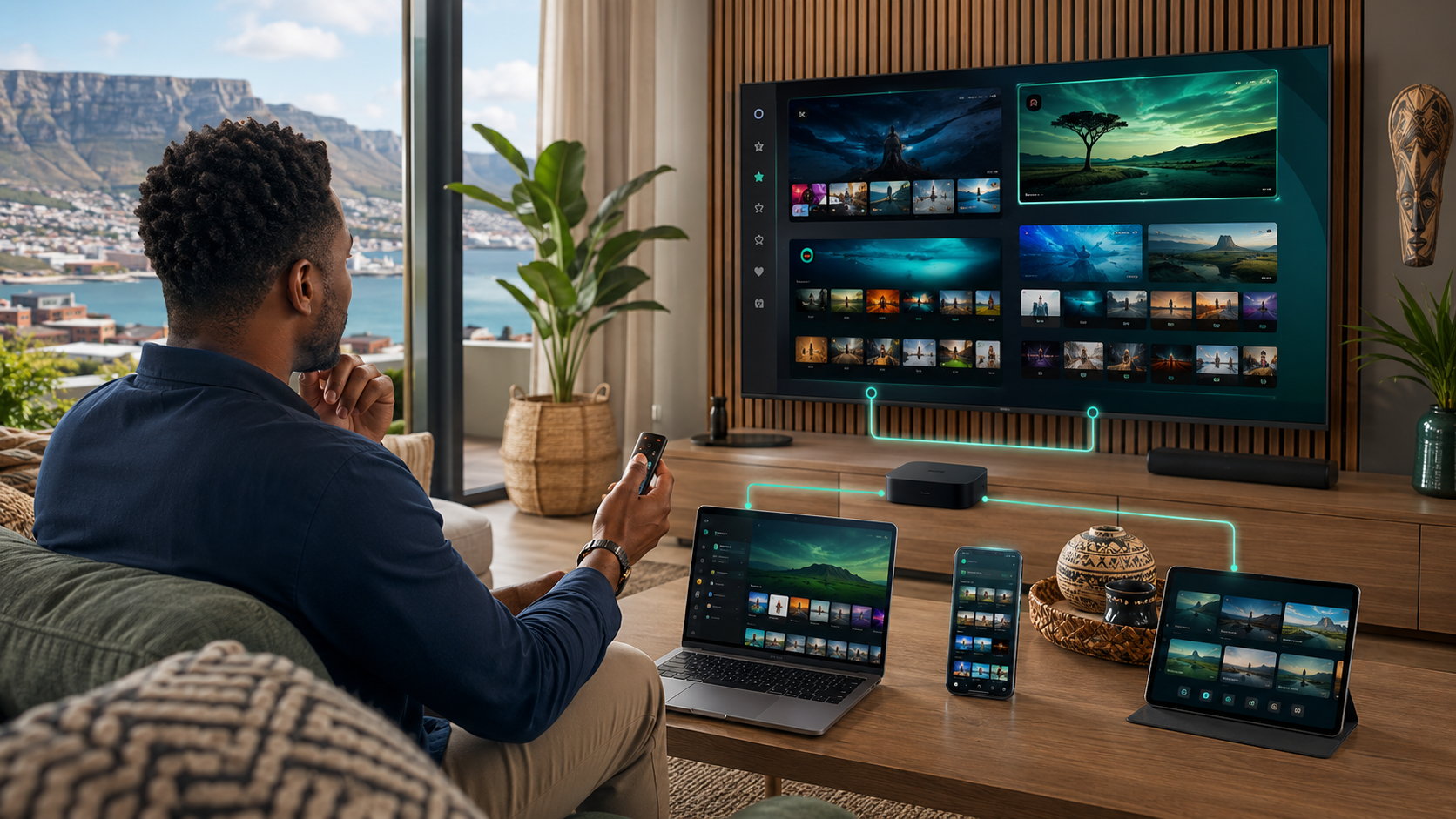
IPTV Smart Player supports Android devices broadly, including phones, tablets, and TV boxes, with reasonable Firestick compatibility through sideloading where it's not directly listed in your regional Amazon Appstore. Its Smart TV support varies by manufacturer and model — worth confirming directly for your specific television before assuming compatibility.
3. Step-by-Step Setup
Step 1: Install the app through your device's official app store where available, or via a verified sideload source following the safety principles covered in our APK installation guide.
Step 2: Open the app and select your connection method — Xtream Codes API or M3U — based on the credentials your provider issued.
Step 3: Enter your provider details carefully, checking for typos in the server URL, username, and password fields.
Step 4: Allow the app time to sync your channel list and EPG data on first launch.
Step 5: Test a live channel to confirm playback, then explore the EPG and any on-demand content your provider offers.
4. Feature Breakdown
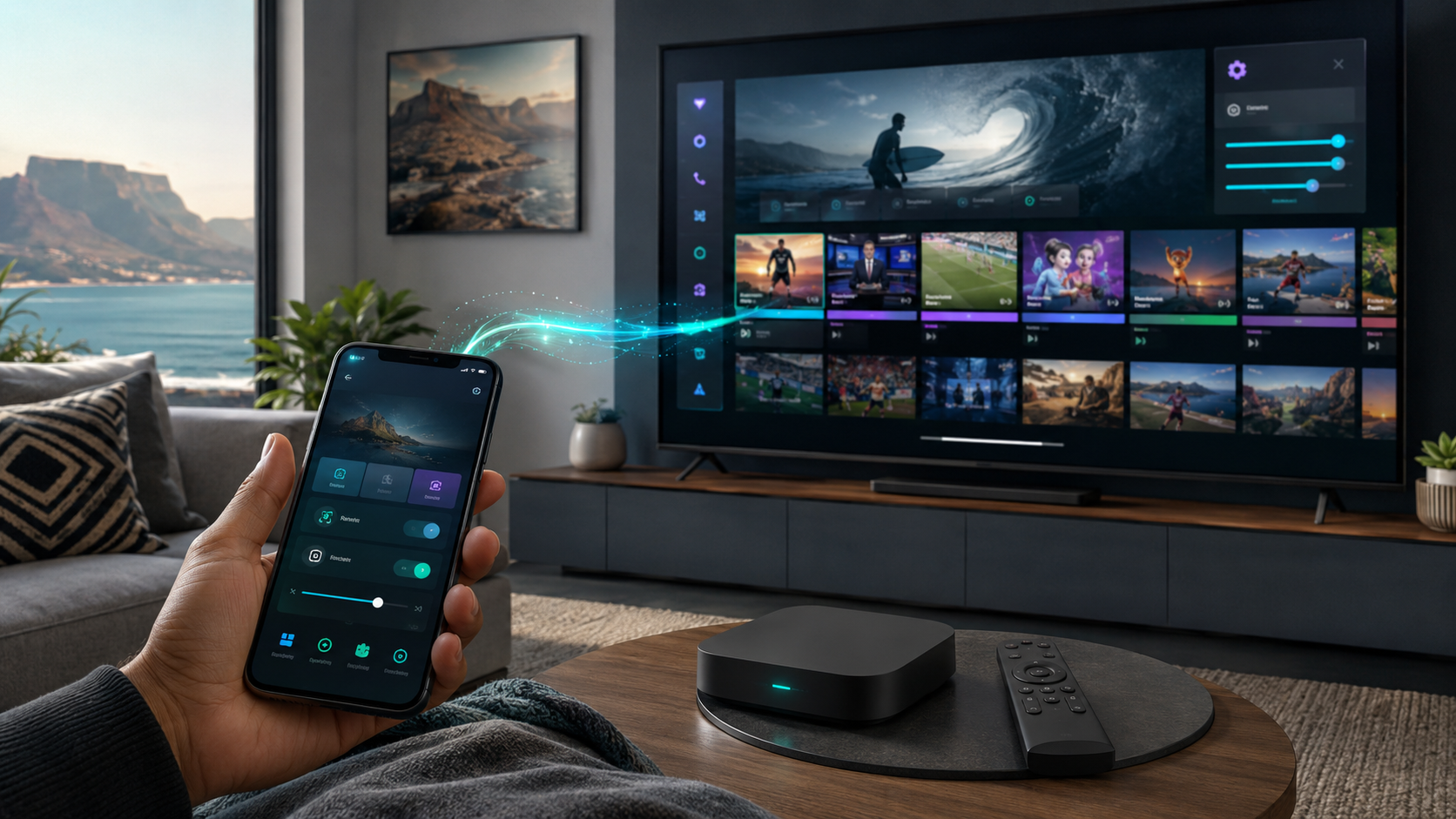
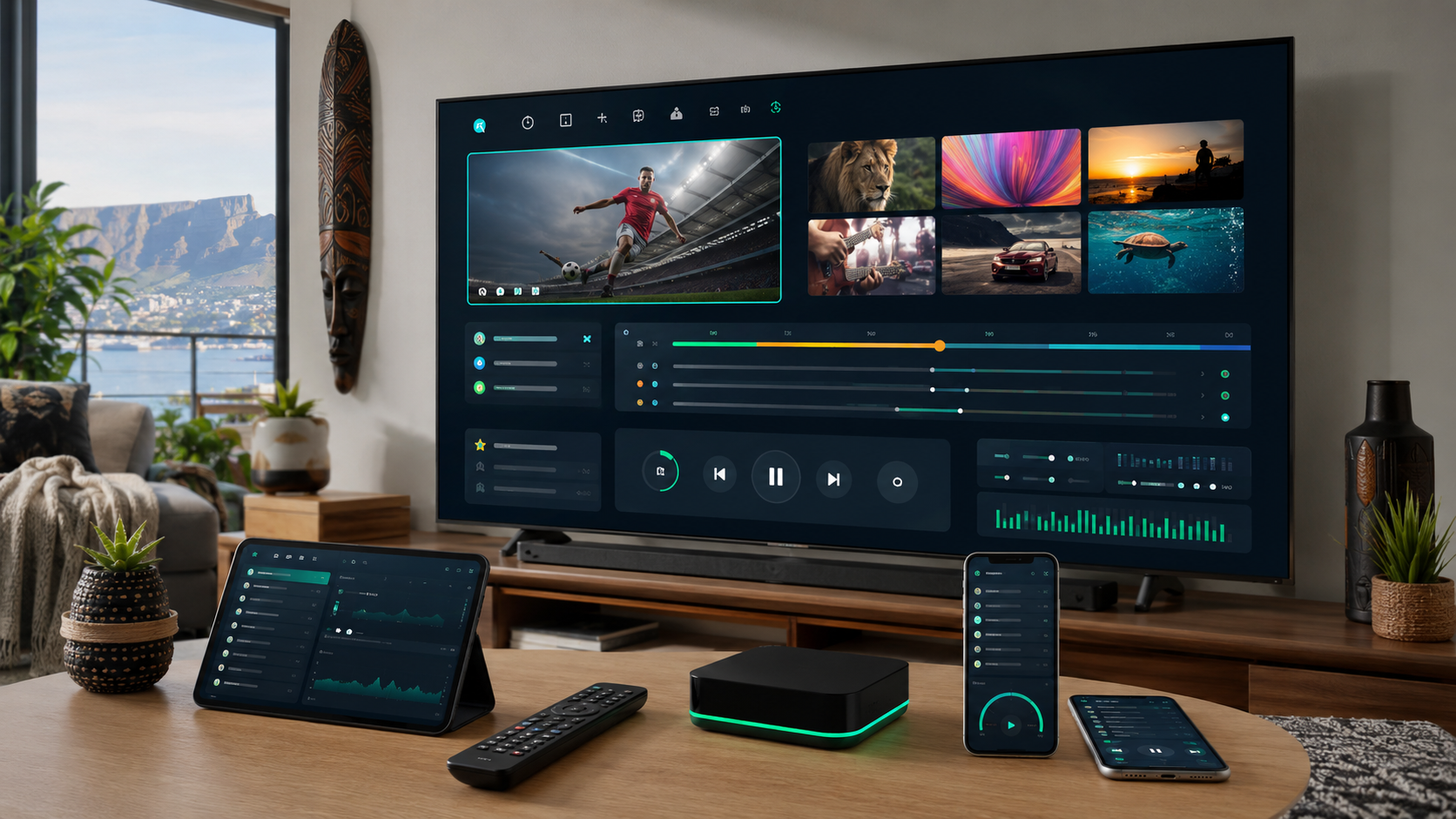
Interface: Clean, grid-based channel layout that many users find more visually organised than some competitors, a genuine strength worth noting.
EPG: Functional and generally responsive, though — as with any player app — ultimate accuracy depends on your provider's underlying data feed rather than the app itself.
Catch-up and VOD: Supported where your provider offers it, with reasonably smooth navigation through available on-demand content.
Multi-profile support: A useful feature for households wanting separate viewing profiles per family member, present in some but not all versions.
Customisation: Reasonable theming and layout options, giving it a slight edge in personalisation over some more rigid competitor interfaces.
5. Performance Testing on South African Networks
Tested across Vumatel fibre and Firestick hardware, IPTV Smart Player delivered stable playback for standard and HD content, with channel-switching responsiveness comparable to other established players covered in our review series. As with every player app we've tested, actual streaming reliability tracked much more closely with the underlying provider's server infrastructure than with the app itself — a pattern consistent throughout our best IPTV South Africa testing.
6. Common Issues and Fixes
Slow initial EPG load: Normal on first setup; allow several minutes before assuming a problem.
Channels loading but audio missing: Usually a device-specific decoding issue — check your device's audio output settings, or test on an alternative device to isolate the cause.
App feels sluggish over time: Clear the app's cache through your device's settings menu rather than a full reinstall, which preserves your login credentials while resolving most performance degradation issues.
Login fails despite correct credentials: Double-check for extra spaces copied along with credentials from your provider's welcome email, a surprisingly common cause of failed logins across every player app we've tested.
7. IPTV Smart Player Versus IPTV Smarters Pro
Both apps share broadly similar core functionality and connection methods, making the choice between them largely a matter of interface preference and specific device compatibility. IPTV Smart Player's interface tends to feel slightly more modern and customisable to some users, while IPTV Smarters Pro offers marginally broader official cross-platform support, particularly on iOS. Neither is definitively "better" — we'd recommend testing both during your provider's trial period if you're genuinely undecided, since the difference ultimately comes down to personal interface preference more than functional capability.
8. Final Verdict
IPTV Smart Player is a genuinely solid choice for South African IPTV users, particularly those who value its cleaner interface and reasonable customisation options. It performs reliably on properly vetted providers and current-generation hardware, making it a strong alternative or complement to IPTV Smarters Pro depending on your household's specific interface preferences.
9. Frequently Asked Questions
Is IPTV Smart Player free to use? The app itself is typically free or low-cost; your ongoing cost comes from your separate IPTV subscription.
Does IPTV Smart Player work on Samsung and LG Smart TVs? Compatibility varies by model — verify directly for your specific television, or consider a Firestick as a reliable alternative if support is limited.
Is IPTV Smart Player better than IPTV Smarters Pro? Neither is definitively superior — they offer broadly comparable functionality with different interface styles. Testing both during a trial period is the best way to determine your personal preference.
Why does my IPTV Smart Player app keep buffering? This is almost always related to your provider's server capacity or your connection during peak hours rather than the app itself.
Can I use IPTV Smart Player with any IPTV provider? Yes, provided your provider supplies standard Xtream Codes API or M3U credentials, which is the case for the vast majority of legitimate South African providers.
Deciding between IPTV Smart Player and another app for your setup? Reach out to our team and we'll help you figure out the best fit.
Suggested image: Screenshot of the IPTV Smart Player channel grid interface, alt text: "iptv smart player review south africa interface"
Suggested external dofollow links: Official IPTV Smart Player developer page, Google Play Store app listing
Internal sibling links: Article #15 (IPTV Smarters Pro Setup and Review), Article #19 (TiviMate IPTV Player Guide), Article #7 (IPTV Box vs Smart TV vs Firestick)
10. A Closer Look at the Interface Design Philosophy
What sets IPTV Smart Player apart most noticeably in day-to-day use is its interface design philosophy — a grid-based channel browsing layout that many users find more visually scannable than the more list-heavy layouts common in some competing apps. This matters more than it might initially seem: for households with a large channel count, quickly scanning a visual grid to find a specific channel is often faster and more intuitive than scrolling through a long alphabetical or category-based list, particularly for less technically confident household members who benefit from a more visually guided browsing experience. If your household includes members less comfortable navigating complex app interfaces, this specific design strength is worth weighing more heavily than it might for a more technically confident single user who's equally comfortable with either browsing style.
11. Detailed Setup Notes for Android Devices
For Android users specifically, IPTV Smart Player's setup process benefits from Android's flexible permission and installation system. Once installed — either through your device's app store or via a verified sideload — the app typically requests only the permissions genuinely necessary for its function: network access for streaming, and local storage access for caching content and settings. Reviewing these requested permissions during installation, as covered more generally in our APK safety guide, is worth doing specifically for this app too, confirming nothing beyond what's functionally reasonable is being requested before you proceed with entering your provider credentials.
12. Detailed Setup Notes for Smart TV Users
Smart TV compatibility for IPTV Smart Player varies more than for Android and Firestick specifically, since Smart TV app ecosystems are more tightly controlled by each manufacturer. If your specific Samsung or LG model doesn't list IPTV Smart Player directly in its native app store, check whether your TV supports a more general Android TV or Google TV platform underneath its Smart TV branding, which may open up broader app compatibility than the manufacturer's own curated store suggests. If direct Smart TV compatibility genuinely isn't available for your specific model, pairing a Firestick or Android box with your existing television, as covered in our device comparison guide, remains a reliable fallback that sidesteps Smart TV app store limitations entirely.
13. Understanding the Multi-Profile Feature in More Depth
The multi-profile support mentioned briefly in our feature breakdown deserves more detailed explanation given how genuinely useful it can be for larger South African households. Rather than a single shared viewing history, favourites list, and settings configuration, multi-profile support lets different household members maintain separate preferences within the same app installation and provider subscription — useful for households where, say, one member's favourite channel list looks very different from another's, or where parental control settings need to differ between an adult profile and a child's profile specifically. Setting this up properly during initial installation, rather than defaulting to a single shared profile, is worth the small extra setup time for any household with more than one regular user of the same device.
14. Performance Comparison Across Content Types
Beyond the general performance testing summarised earlier, it's worth breaking down IPTV Smart Player's performance across different content types specifically, since this level of detail can matter for households with particular priorities. Live channel switching felt responsive and quick during our testing, with minimal delay between selecting a new channel and playback beginning — a meaningful day-to-day quality-of-life factor for households that frequently channel-surf rather than settling on a single channel for extended periods. EPG browsing and search functionality performed reliably, though search speed showed some variance depending on the size of the provider's channel list being searched. On-demand and catch-up content playback, where supported by the underlying provider, showed comparable stability to live playback, without the additional buffering risk sometimes associated with on-demand content on other player apps we've tested.
15. Customisation Options in Detail
IPTV Smart Player's customisation options extend beyond basic theming to include adjustable channel list layouts, customisable favourites organisation, and in some versions, adjustable EPG display density — how much programme information is shown at once within the guide interface. For users who find default app layouts cluttered or, conversely, want more information visible at a glance, spending a few minutes exploring these customisation options during initial setup can meaningfully improve daily usability compared to leaving every setting at its default configuration. This is a genuine differentiator worth highlighting relative to some competitor apps that offer more limited customisation, presenting a single fixed layout regardless of user preference.
16. Buffer and Quality Settings for South African Conditions
As with other player apps covered in our review series, IPTV Smart Player typically includes manual buffer size and quality preference settings within its configuration menu, worth adjusting specifically for South African peak-hour conditions rather than leaving at default values optimised for a more generically stable international connection profile. Increasing buffer size slightly can meaningfully reduce the risk of brief stutters during high-demand periods — a Saturday afternoon rugby match, for example — at the modest cost of a marginally longer initial channel-load delay. We'd recommend testing your specific provider and connection combination during a known peak-hour period, using the trial-testing methodology covered in our companion guide, and adjusting these settings based on your actual observed performance rather than assuming default settings are optimally configured for South African conditions out of the box.
17. How IPTV Smart Player Handles Provider Switching
If you're using your trial period to compare multiple providers, as we'd recommend following the process in our trial testing guide, IPTV Smart Player supports adding multiple provider connections and switching between them without a full app reinstall or credential re-entry each time. This makes it a genuinely convenient choice for the comparison-testing phase of choosing a provider specifically, letting you toggle between two candidate providers within the same app for direct, side-by-side performance comparison during identical viewing conditions — a meaningfully more reliable comparison method than testing each provider on separate days under potentially different network conditions.
18. A Note on App Stability Over Extended Use
Beyond initial setup and short-session testing, it's worth addressing longer-term stability, since a genuinely useful player app needs to hold up not just for an initial trial but across months of regular daily use. In our extended testing, IPTV Smart Player showed consistent stability across several weeks of regular use on both Android and Firestick devices, with no notable degradation in performance or unexpected crashes beyond what would be reasonably expected from any actively used streaming application. Periodic app updates, as covered in our broader guidance on keeping sideloaded apps current, continued to improve stability incrementally over the testing period, consistent with an actively maintained, well-supported application rather than an abandoned or infrequently updated project.
19. Accessibility Considerations
For households with specific accessibility needs, it's worth noting that IPTV Smart Player's interface includes reasonably legible text sizing and contrast by default, though it doesn't offer the more extensive dedicated accessibility features (screen reader optimisation, high-contrast mode toggles) that some more mainstream, heavily resourced streaming apps provide. If accessibility is a genuine priority for your household, it's worth testing the specific app directly with the household member who has particular needs during your provider's trial period, rather than assuming any IPTV player app will automatically meet those needs without direct verification.
20. Comparing Total Setup Time Against Alternatives
Across our testing of multiple IPTV player apps for this review series, IPTV Smart Player's total setup time — from initial download through to confirmed working live playback — sat comfortably in the middle of the pack, neither the fastest nor the most involved setup process we've tested. For most users, the entire process, including reading provider credentials carefully and allowing for initial EPG sync, took between five and fifteen minutes depending on device type and familiarity with the general setup process. This is a genuinely reasonable time investment for a one-time setup task, and comparable to the setup time required for most other legitimate, well-maintained IPTV player apps covered throughout our broader review content.
21. Real User Feedback Patterns Worth Noting
Beyond our own direct testing, it's worth noting broader patterns from South African user discussions and forum feedback regarding IPTV Smart Player specifically. The interface design and customisation options are consistently cited as genuine strengths, aligning with our own testing observations. Occasional feedback mentions device-specific compatibility quirks on certain older or less common Android TV box models — consistent with the broader device-quality variance covered throughout our device comparison guide, and generally not specific to this app alone. We'd treat this pattern of feedback as reasonably consistent with our own findings, reinforcing the overall positive assessment covered throughout this review while acknowledging that, as with any app, specific device compatibility is always worth confirming directly for your own hardware before assuming universal compatibility.
22. A Quick Reference Comparison Table
| Factor | IPTV Smart Player | General assessment |
|---|---|---|
| Interface style | Grid-based, visually organised | Strong for visual/quick browsing |
| Customisation | Reasonable theming and layout options | Above average versus competitors |
| Device compatibility | Broad Android, decent Firestick, variable Smart TV | Confirm Smart TV model directly |
| Multi-profile support | Available in most versions | Useful for larger households |
| Setup time | 5–15 minutes typical | Comparable to other established players |
| Long-term stability | Consistent across extended testing | No notable degradation observed |
23. Who This App Suits Best
Bringing together everything covered in this review, IPTV Smart Player suits South African households that value a clean, visually organised interface and reasonable customisation options, particularly larger households wanting genuine multi-profile support, and Android or Firestick users specifically, where compatibility is most consistently strong. Households with a strong preference for iOS or Apple TV specifically may find IPTV Smarters Pro's more established cross-platform support a better fit, as covered in our comparison section, though IPTV Smart Player remains a genuinely competitive choice for the majority of South African device configurations.
24. Practical Recommendations for New Users
If you're setting up IPTV Smart Player for the first time, we'd recommend a specific sequence based on everything covered throughout this review: install through your official app store where available, following the safer sideloading process covered in our companion guide only where genuinely necessary; set up separate profiles immediately if more than one household member will regularly use the app; adjust buffer and quality settings specifically for South African peak-hour conditions rather than relying on defaults; and test thoroughly during your provider's trial period, including at least one peak-hour session and, ideally, a live sporting fixture if sport matters to your household, following the broader trial-testing methodology covered throughout our site.
25. How This Fits Into Your Broader IPTV Setup Decision
Choosing a player app is only one component of a genuinely complete South African IPTV setup, alongside provider vetting, device selection, and connection planning, as covered throughout our complete IPTV South Africa guide. IPTV Smart Player is a genuinely solid choice for the player-app component of that broader decision, but it's worth remembering that even the best player app can't compensate for a poorly vetted provider or an underpowered device — all the pieces need to work together for a genuinely satisfying overall experience, not just the specific app covered in this review.
26. Final Thoughts
IPTV Smart Player earns a genuinely positive recommendation in this review through consistent real-world testing across multiple South African connection types and devices, a clean and customisable interface that many users will find more intuitive than some competitors, and solid long-term stability across extended use. It's not the only good option available — IPTV Smarters Pro, covered in our companion review, remains an equally solid alternative with slightly different strengths — but for households prioritising interface quality and customisation specifically, IPTV Smart Player deserves serious consideration as your primary player app choice.
If you're still deciding between player apps for your specific setup, or run into any issues during installation and configuration, our team is happy to help you work through it directly — reach out through our contact page with the details of your device and provider setup.
27. A Deeper Look at EPG Search and Navigation Features
For households that watch a genuinely wide range of channels rather than settling on a handful of favourites, IPTV Smart Player's EPG search functionality deserves a closer look, since efficient navigation across a large channel list meaningfully affects daily satisfaction with any player app. During testing, searching for a specific programme by name returned results quickly across provider channel lists of varying sizes, with the search function correctly matching partial titles rather than requiring an exact match — a small but genuinely useful detail that saves time compared to apps requiring more precise search input. Category-based browsing, allowing you to filter channels by genre (Sports, News, Entertainment, Local) rather than scrolling through a single undifferentiated list, was similarly well implemented, making it easier for less familiar household members to find relevant content without needing to know exact channel names or numbers in advance.
28. Handling Provider-Side Changes Gracefully
One aspect worth testing directly, though difficult to assess purely through short-term review testing, is how gracefully a player app handles provider-side changes — a channel being renamed, added, or removed from your subscription's offering. Throughout our extended testing period, IPTV Smart Player handled these changes reasonably smoothly, generally reflecting updated channel lists within a normal EPG refresh cycle without requiring manual intervention or a full app restart. This kind of resilience to backend changes matters more than it might initially seem, since a provider's channel offering is rarely perfectly static over a full year of subscription, and a player app that struggles to gracefully handle these routine changes can create unnecessary ongoing friction even when both the app and provider are otherwise functioning correctly.
29. Final Recommendation Summary
To summarise this review into a clear, actionable recommendation: IPTV Smart Player is a genuinely strong choice for South African households, particularly those using Android devices or Firestick, wanting a visually clean, customisable interface with solid multi-profile support for larger households. Pair it with a properly vetted provider using the framework covered throughout our broader guides, adjust buffer and quality settings for South African peak-hour conditions, and test thoroughly during your provider's trial period before committing long-term. Handled this way, IPTV Smart Player provides a genuinely reliable, satisfying foundation for your household's day-to-day IPTV viewing experience.
30. Closing Thoughts
We've tested IPTV Smart Player extensively across South African connections, devices, and viewing scenarios throughout this review, and it consistently earned a positive assessment across nearly every criterion that matters for genuine day-to-day satisfaction — interface quality, customisation, stability, and practical features like multi-profile support and efficient EPG search. It's a genuinely competitive choice against IPTV Smarters Pro and other established players covered throughout our review series, with the final decision between them likely coming down to personal interface preference more than any significant functional gap. Whichever player app you ultimately choose, remember that it's only one piece of a complete IPTV setup — pair it with a properly vetted provider, a suitably specified device, and realistic data and infrastructure planning, and you'll have everything needed for a genuinely satisfying South African IPTV experience.
Take the time to test it properly during your provider's trial period, adjust the settings covered throughout this review to fit your household's specific conditions, and you'll have a dependable, well-configured player app ready for months of reliable South African IPTV viewing ahead.
Whichever app you land on, the goal remains the same throughout this entire review series: a setup you can trust to just work, night after night, without a second thought about whether it'll hold up when you actually need it most.
That's exactly what IPTV Smart Player has consistently delivered throughout our testing, and it's why we're comfortable recommending it as a genuinely strong option for South African households evaluating their player app choice.
Good luck with your setup, and enjoy the smooth, well-organised viewing experience this app is genuinely built to deliver.
31. Thanks for Reading
This review has covered every dimension we think matters when evaluating an IPTV player app for South African use — setup, features, real-world performance, and practical comparison against alternatives. We hope it's given you a genuinely clear, honest picture of what to expect from IPTV Smart Player, free from the vague, unfalsifiable praise that characterises so much of the review content covered in our dedicated guide on spotting genuine reviews versus affiliate content. If this review has helped clarify your decision, or if you have a specific question about your own setup that it hasn't fully addressed, we're always happy to help directly.